The Pure Comments package comes with a stylesheet that can be used as a starting point for you to customise its look so it matches the design of your blog.
First, copy the example stylesheet either into your existing blog’s CSS, or into a separate comments.css file that’s only loaded on pages where your comments live:
<link rel="stylesheet" href="/assets/css/comments.css">
From here you can edit comments.css to fit the style of your blog’s design. If you choose not to update comments.css, this is what Pure Comments will look like using the default comments.css file:
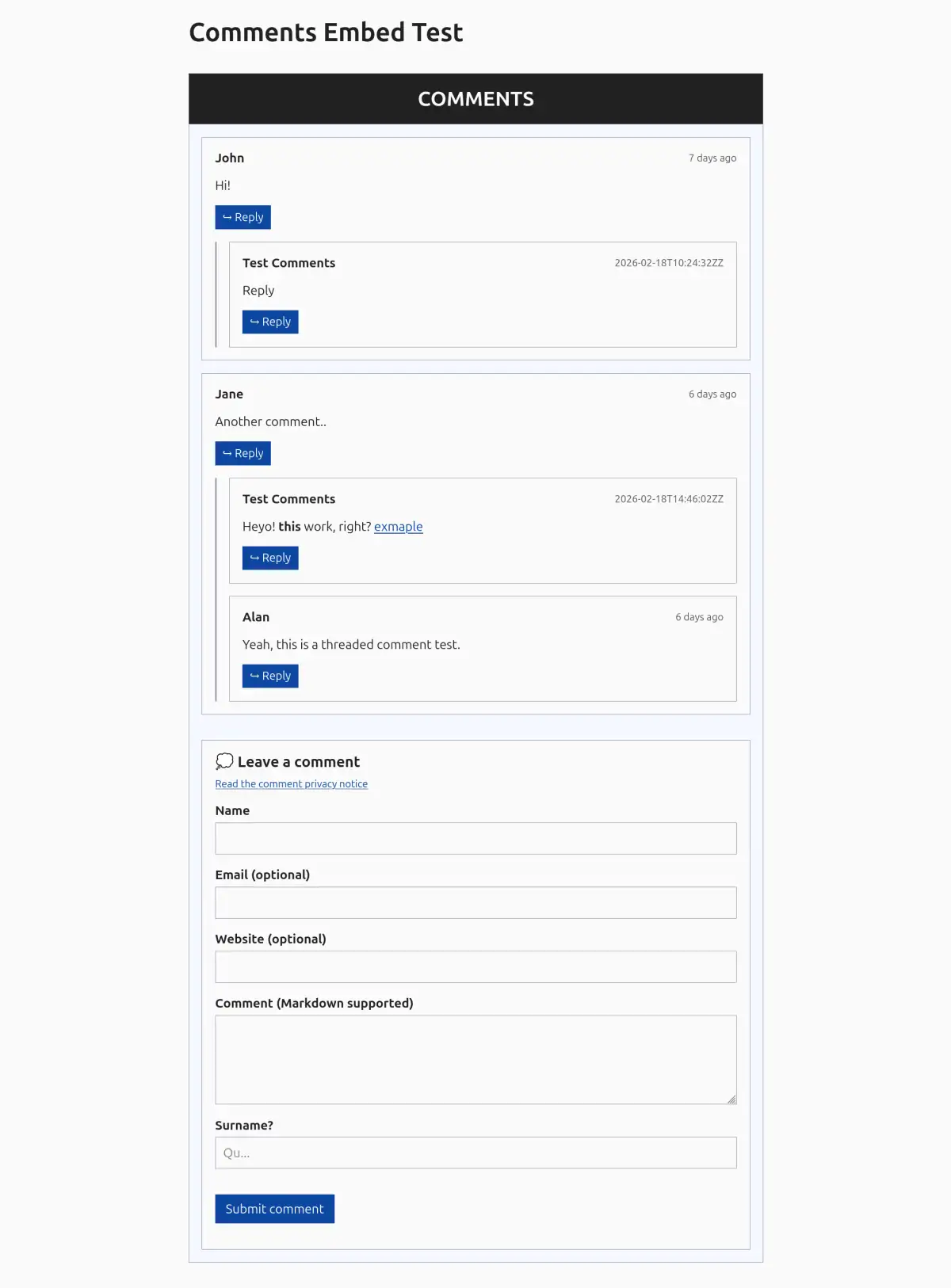 Light mode
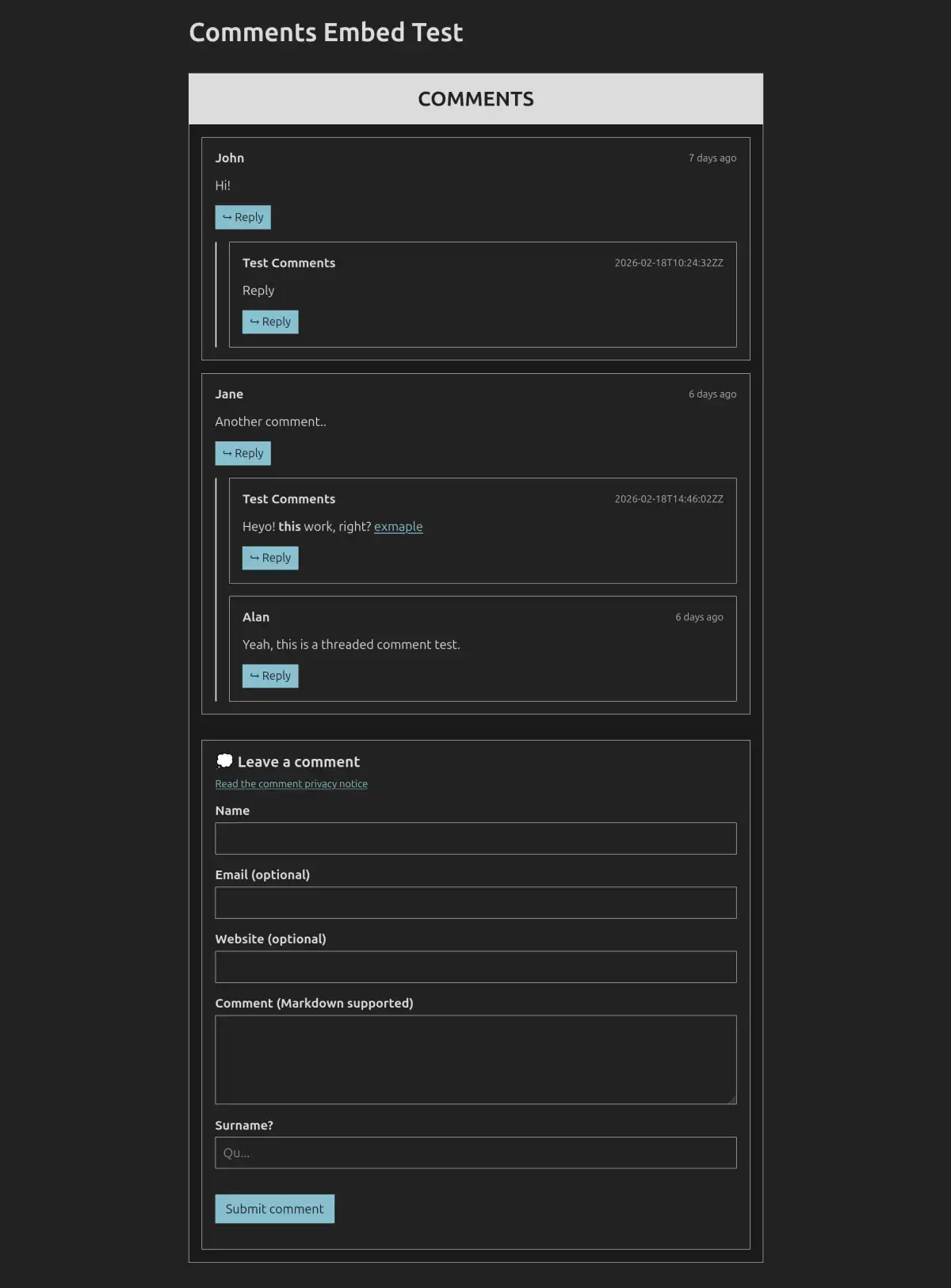 Dark mode
Anti-spam honeypot styling
The comment form rendered by embed.js includes an invisible anti-spam honeypot field (<input type="text" name="trap_field" class="hp-field">). The default comments.css hides this field off-screen:
#comments .hp-field {
  position: absolute;
  left: -10000px;
  width: 1px;
  height: 1px;
  margin: 0;
  padding: 0;
  border: 0;
  opacity: 0;
  pointer-events: none;
}
If you create your own stylesheet from scratch instead of adapting comments.css, always make sure you retain the #comments .hp-field rule. If this rule is omitted, the honeypot field will appear as an extra input box, and any text entered into it by genuine visitors will cause their comment to be rejected as spam.